
How it works
- 1
Pick your winners
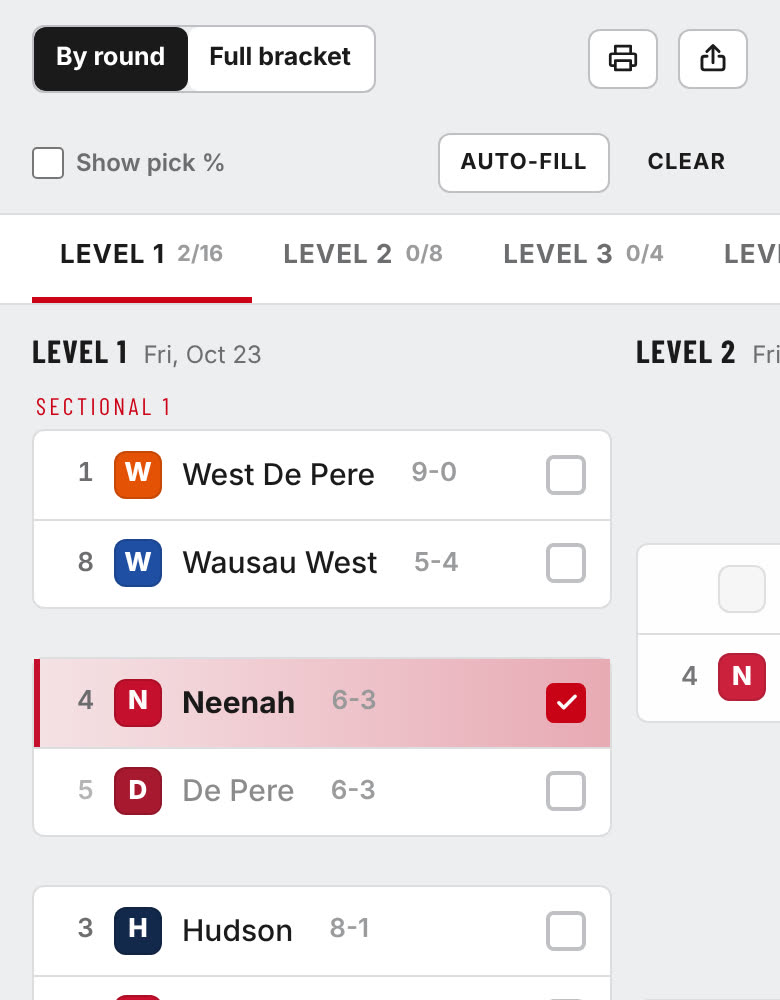
There are seven divisions, each with a 32-team bracket. Choose one from the Divisions menu and tap the team you think wins each game. Tap a pick again to undo it. On a phone, swipe left to see the next round, or tap Full bracket to see it all at once.
- 2
See how others picked
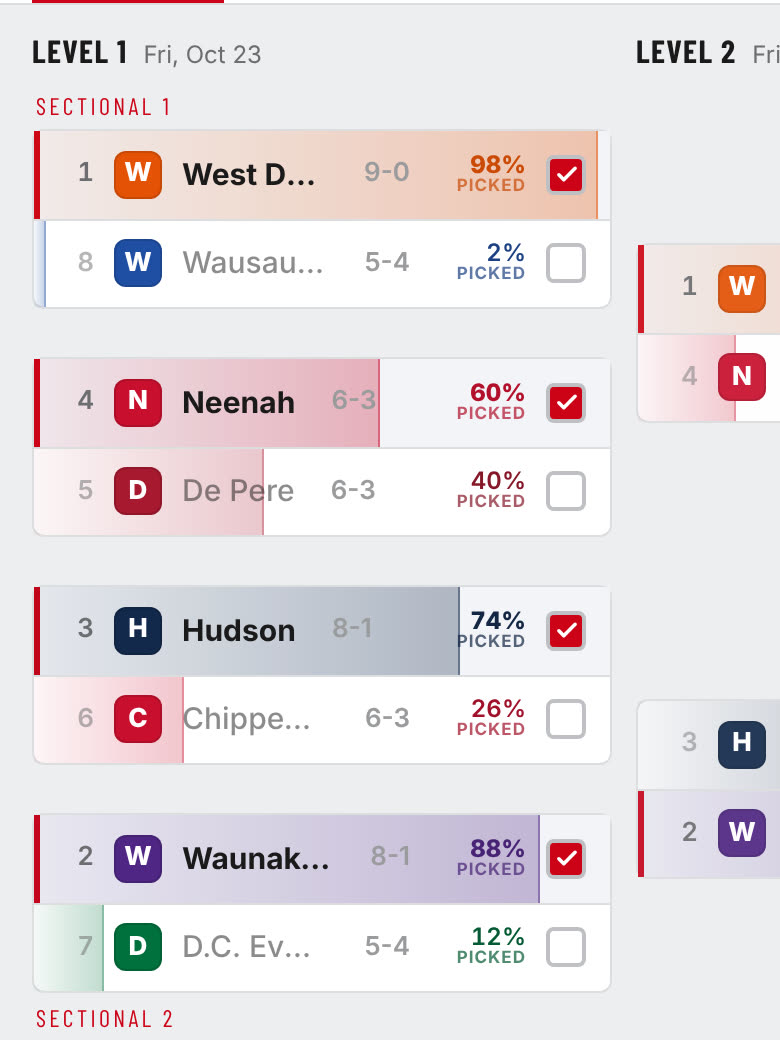
Turn on Show pick % to see what share of players picked each team. A game's numbers appear after you make your own pick. Once games are played, UPSET! marks the ones a lower seed won.
- 3
Choose a champion and a tiebreaker
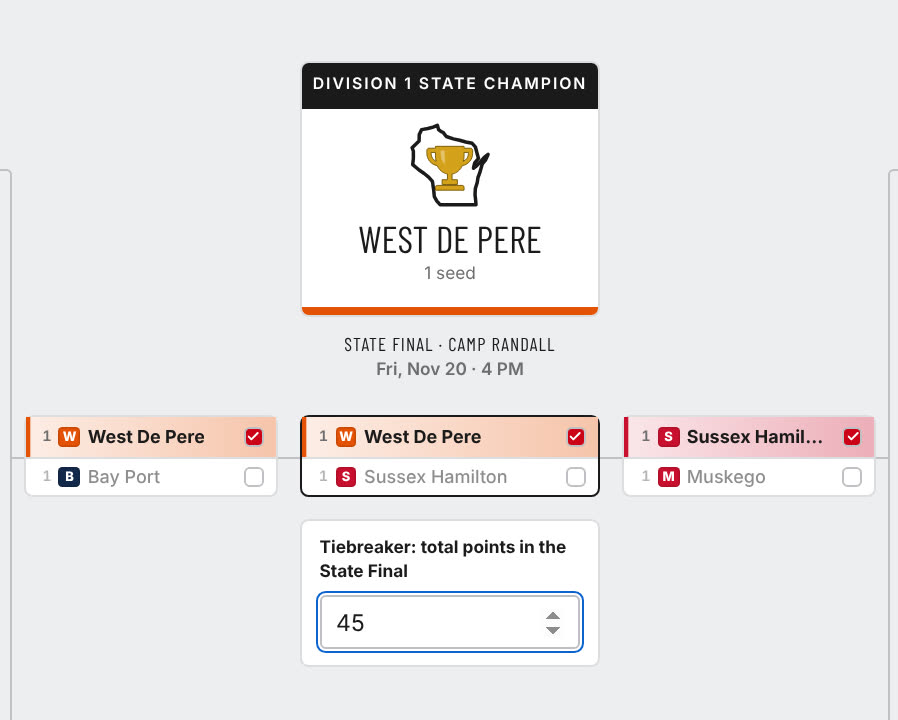
Your State Champion goes in the middle. Then guess the total points scored in the State Final. If two players tie on points, the closer guess wins.
- 4
Finish before kickoff
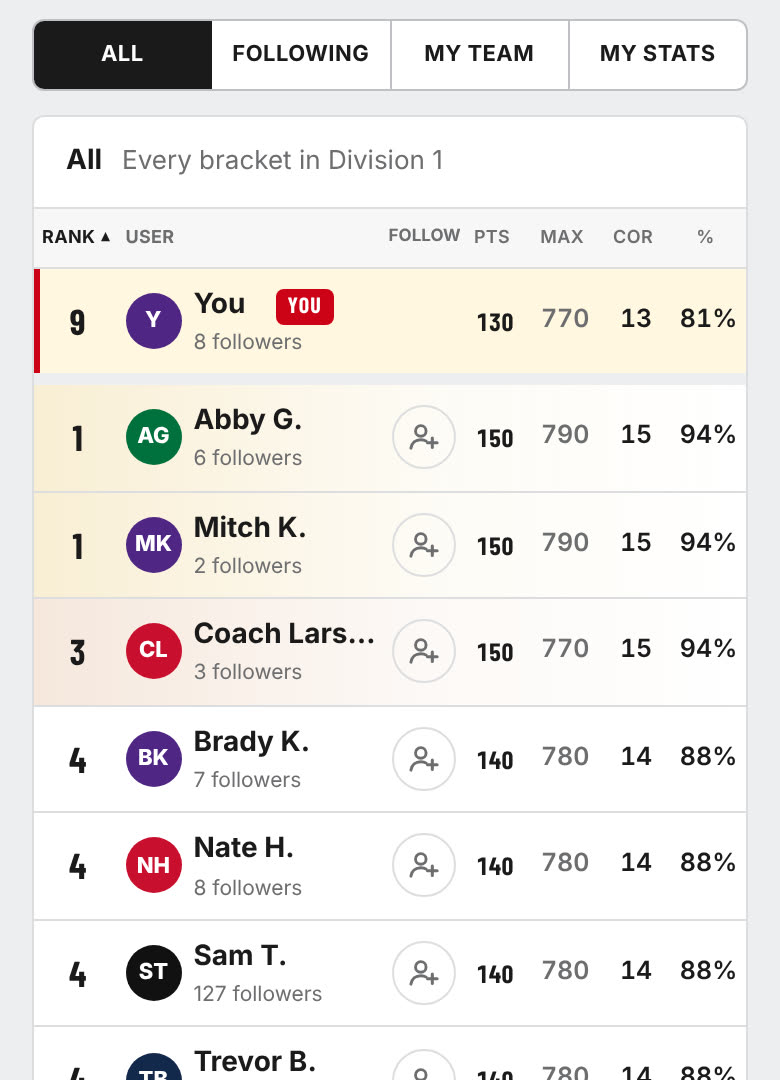
Picks save automatically and lock Friday, Oct. 23 at 6 p.m., before the first Level 1 kickoff. Unfinished brackets still count, but blank games can't score. Each division has its own leaderboard: All shows everyone, Following the people you follow, My Team fans of your school, and My Stats your own results.
- 5
Follow, share and print
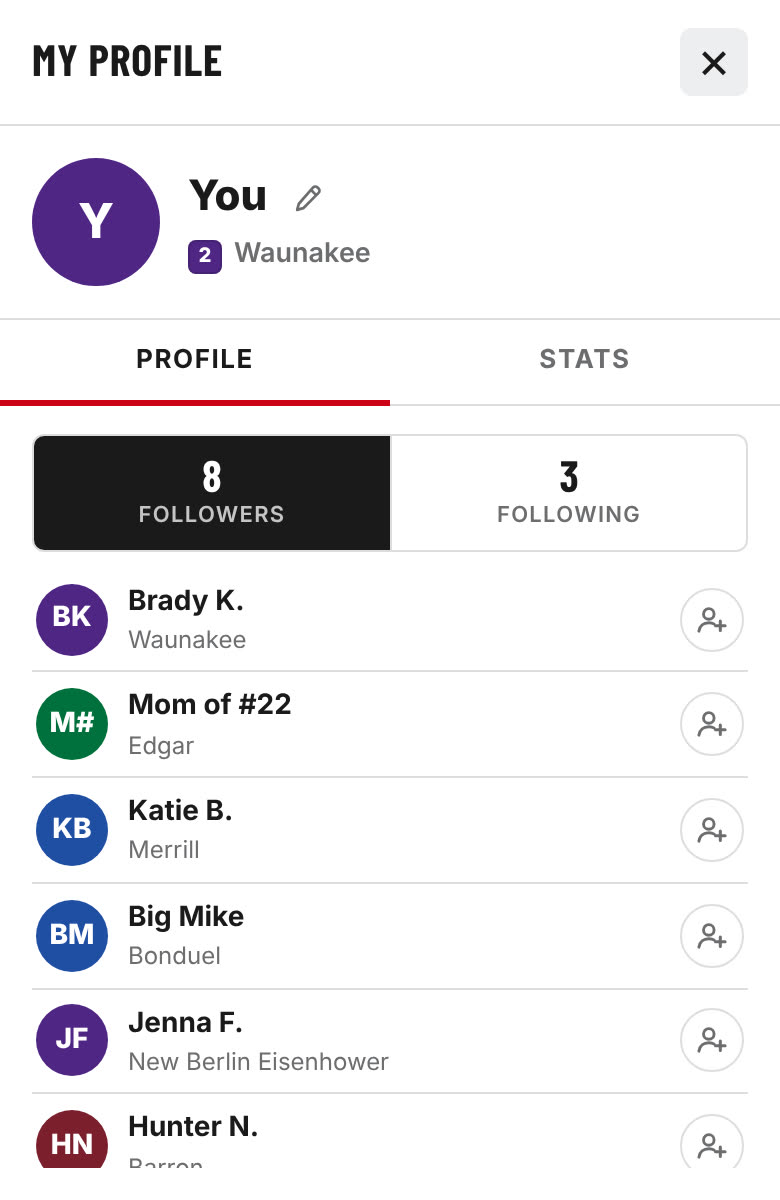
Tap the follow icon next to anyone on the leaderboard. Tap your circle at the top to see your profile. Use Share to send your bracket to friends, or Print to save it as a PDF or image.
Scoring
Points double each round, so every round is worth 160 points in total and later picks count more.
| Level 1 | 10 pts |
| Level 2 | 20 pts |
| Level 3 | 40 pts |
| Level 4 | 80 pts |
| Final | 160 pts |
| Perfect bracket | 800 pts |
Ties are broken by the tiebreaker, then by most points still possible.
Key dates
- Sat, Oct 17 · 11 AMBrackets released, picks open
- Fri, Oct 23 · 6 PMPicks lock
- Fri, Oct 23 · 7 PMLevel 1 kickoff
- Oct 30 · Nov 6 · Nov 13Level 2, Level 3 and Level 4
- Nov 19–20State Finals at Camp Randall